Semantic search
Retrieve images according to meaning and intent, including queries written in different languages.

VisioClarity combines natural-language search, visual references, and structured filters so teams can move from a request to the right asset with more precision.
Search by what an image means, what it looks like, or the precise metadata your workflow requires. Refine results around the context that matters.
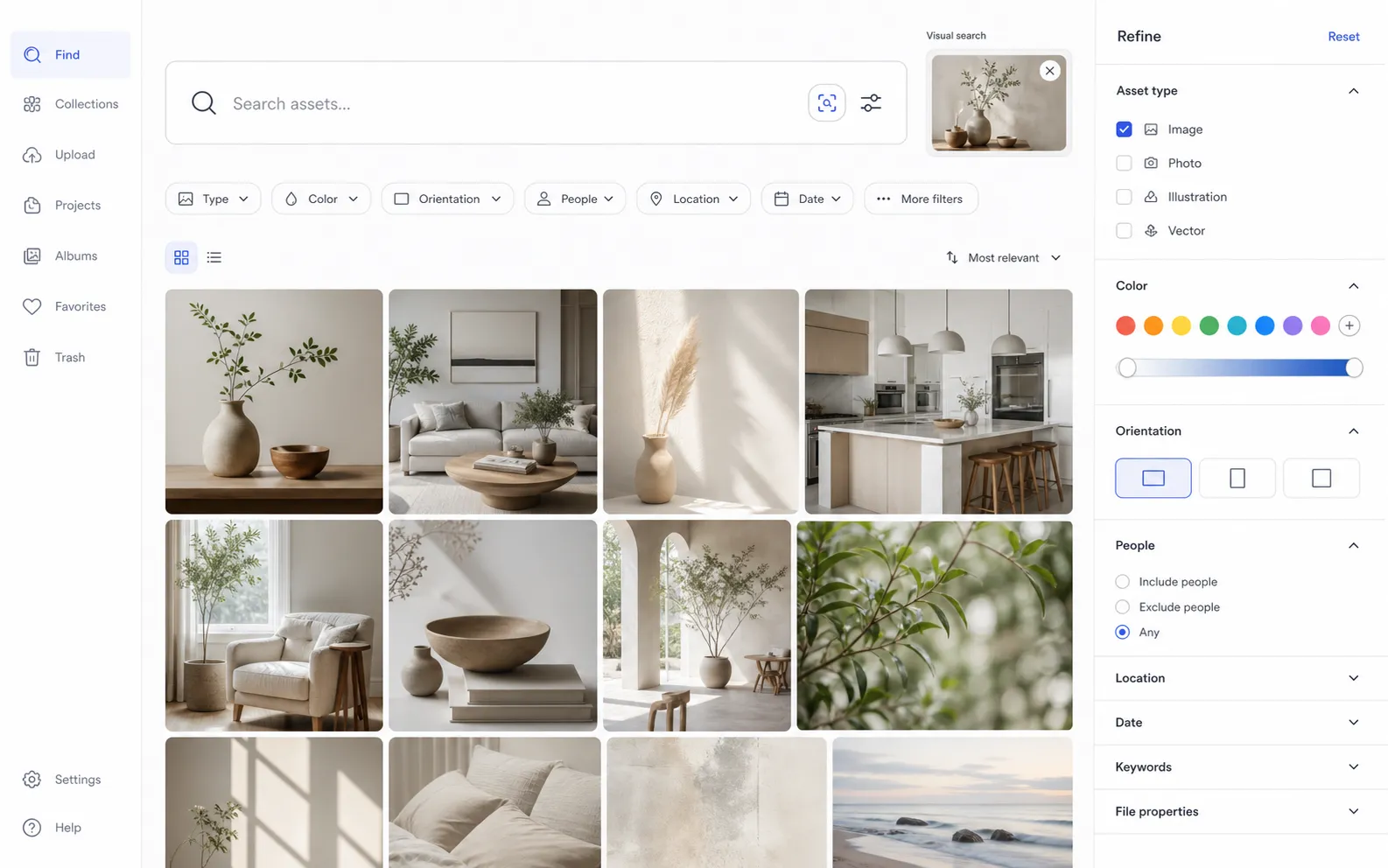
Move beyond exact keywords without losing the control of metadata, filters, and asset-level detail.
Retrieve images according to meaning and intent, including queries written in different languages.
Use an image or image URL as a reference, alone or alongside a text query.
Narrow results through indexed categories, metadata, colors, media properties, licenses, and visual characteristics.
Discover visually related images or identify copies of the same asset, depending on the task at hand.
The intelligence created as a library is processed gives discovery more context, while practical organization keeps discovered assets usable over time.
Build a richer search foundation through image analysis, enrichment, and collection intelligence.
Explore visual intelligenceKeep relevant assets structured through collections, folders, metadata, licenses, and access boundaries.
Explore asset managementStart building a more understandable, searchable, and manageable image library.